TRANQUILITY BASE

Chaos included!

A shared space station. No objective but the one you make.

You're joining the crew of a space station, along with everyone else connected to the same server. There's no single objective — you explore, you keep the lights on, you help (or mess with) your crewmates, and you figure the rest out together.
Read the Player Guide Buy — Coming Soon Not released yet Join the Discord Link coming soon
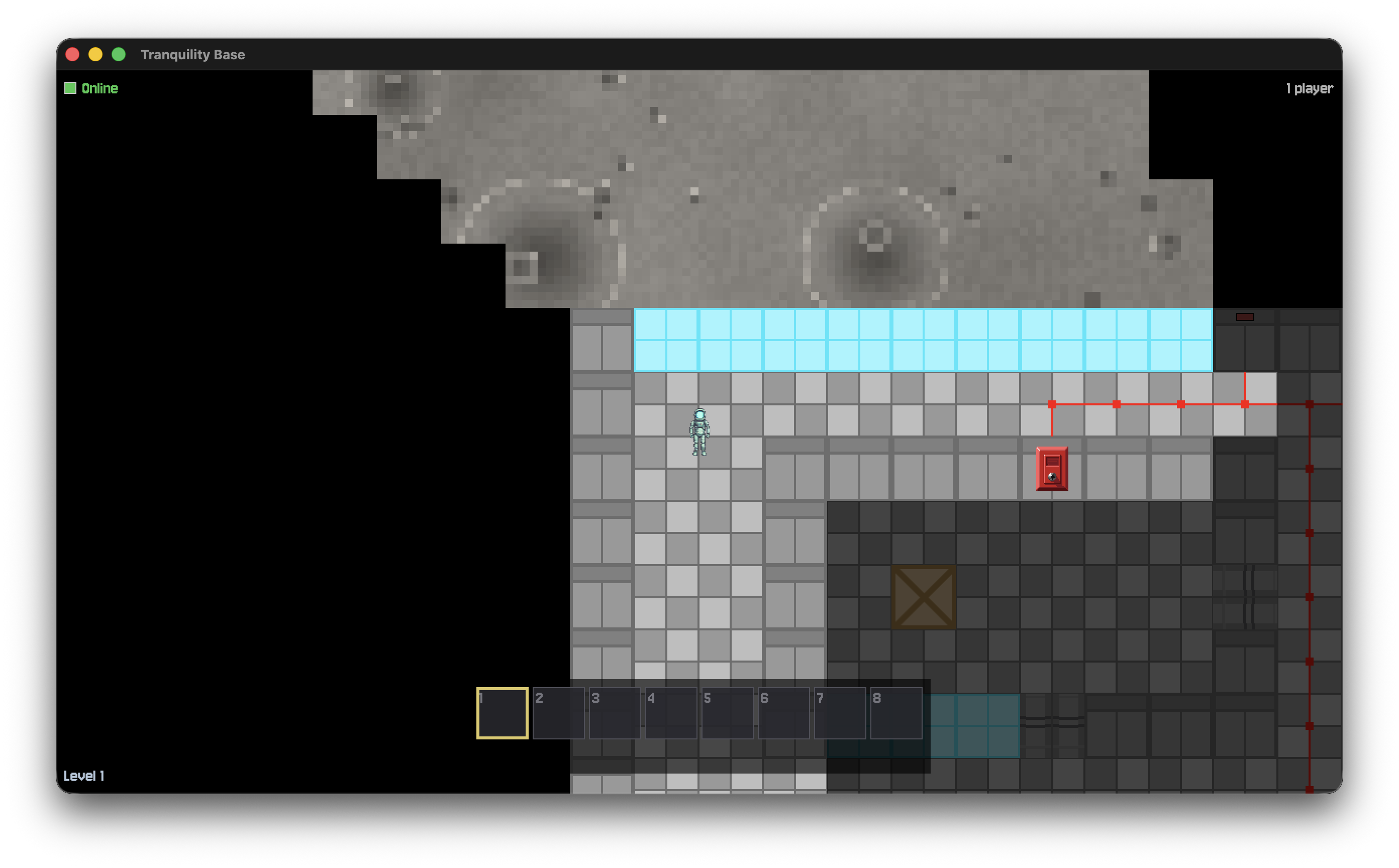
A player stands just inside the station's edge, looking out past a window and a fire alarm panel onto the dusty, cratered lunar surface.
Level 1 — right where the station gives way to open lunar surface.

What is Tranquility Base?

It's a top-down, tile-based multiplayer space station — everyone who connects to the same server shows up on the same station at once. There's no win condition and no combat to worry about. You walk around, open doors, flip switches, fix what's broken, and talk to whoever else is online. What happens next is mostly up to your crew.

The station sits at the floor of an enormous lunar crater, and it isn't fully sealed — walk through a gap in the right spot and you're out on the actual moon, dusty ground and small craters underfoot, all the way out to the crater's rim.

Seven roles, seven keycards

The moment you join, you're randomly assigned one of seven crew roles and handed the matching keycard — your ticket through any door or console of the same color.

On the station

How to connect

Tranquility Base is self-hosted — there's no central server to log into. To play, you need two things from whoever invited you:

  • A server address (an IP or hostname, plus a port — 7777 unless they say otherwise).
  • A name to play under, which everyone else on the station will see.

Open the game, choose Connect, enter those two things, and you're in. The Player Guide covers everything from there — controls, your role, your inventory, and what to expect on your first walk around the station.

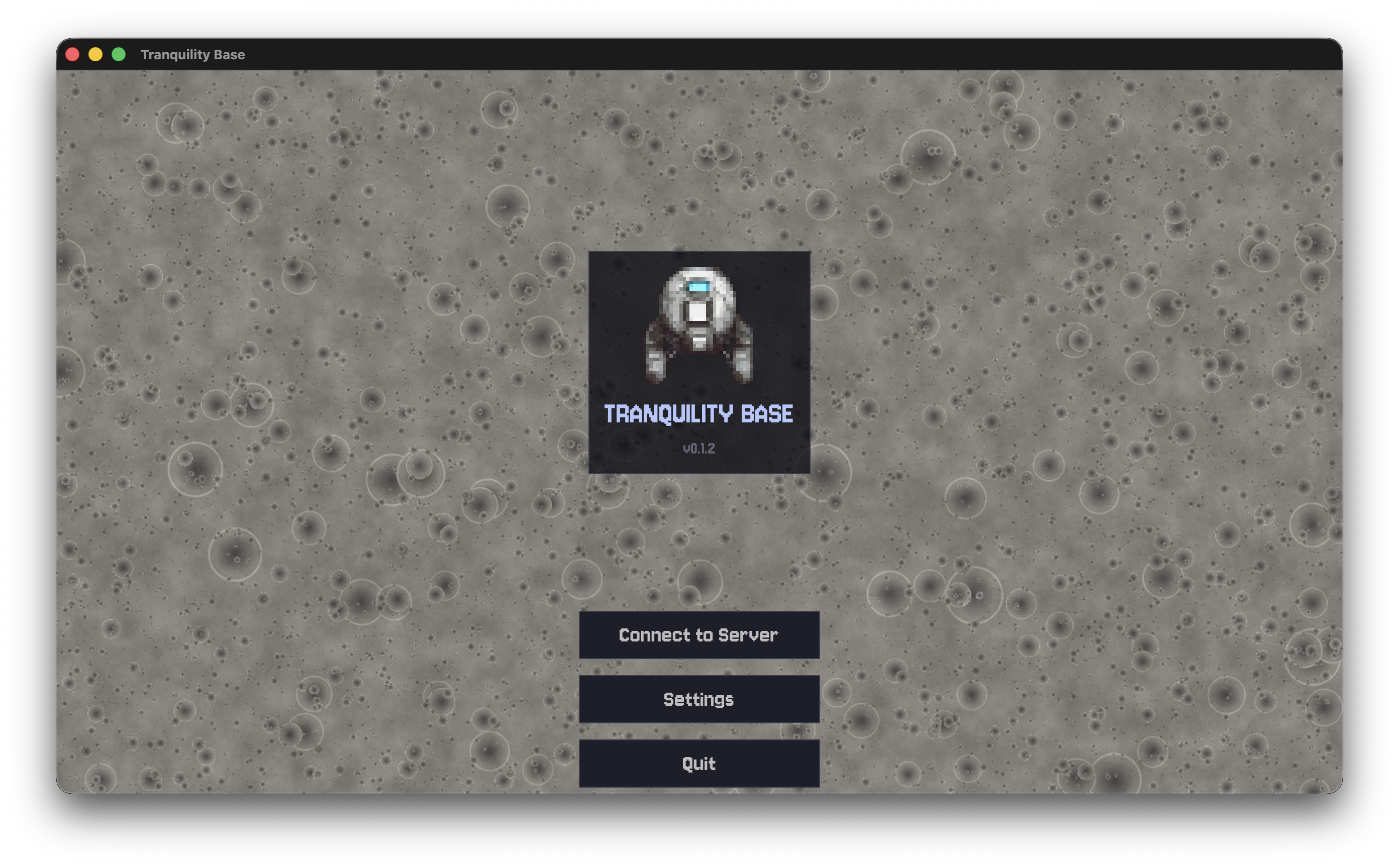
The Tranquility Base main menu: the game's logo over a starfield, with Connect to Server, Settings, and Quit buttons.
The main menu — Connect to Server is where it starts.

Ready to come aboard?

The full guide walks you through controls, roles, and your first few minutes on the station.

Read the Player Guide